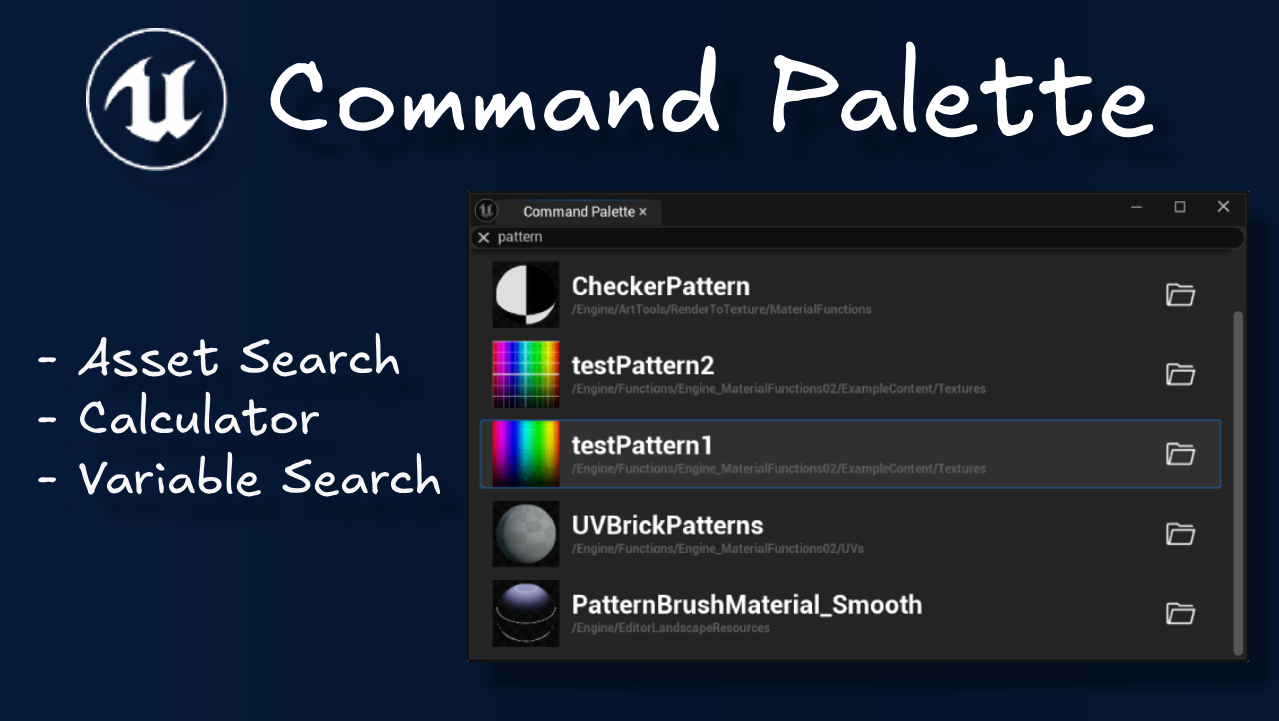
Command Palette
Command Palette is a free and open-source editor plugin for Unreal Engine. It’s a utility window for quick access to assets, calculator, and Blueprint variables.
This plugin was made in a week as part of my self-study at university, and my first experience writing C++ in Unreal Engine.
Features
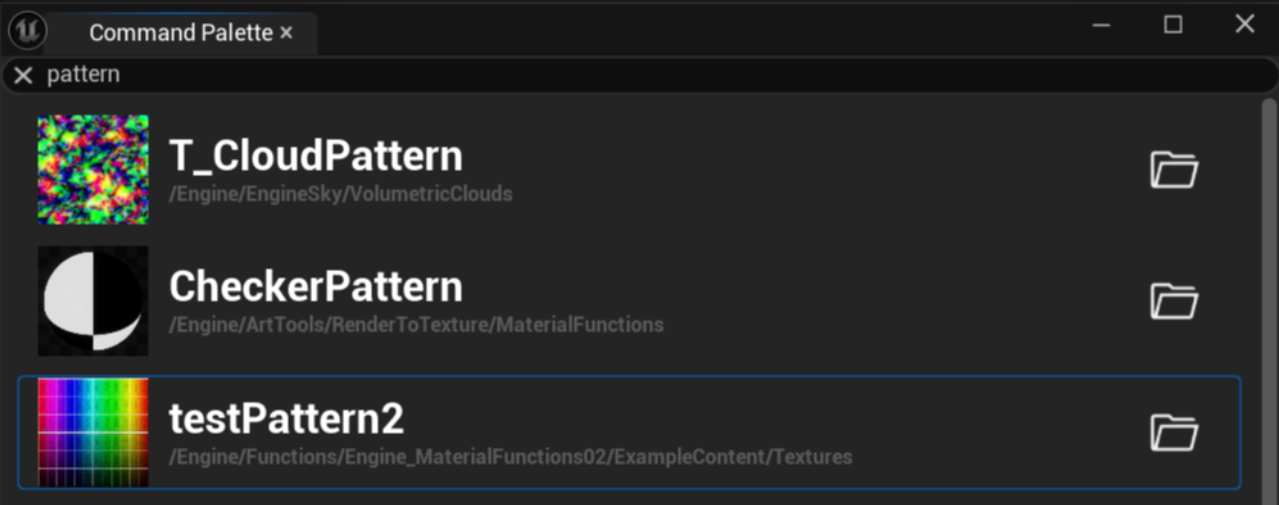
Asset Search
Instantly search for assets in your Unreal Engine project and open them directly from the Command Palette window.
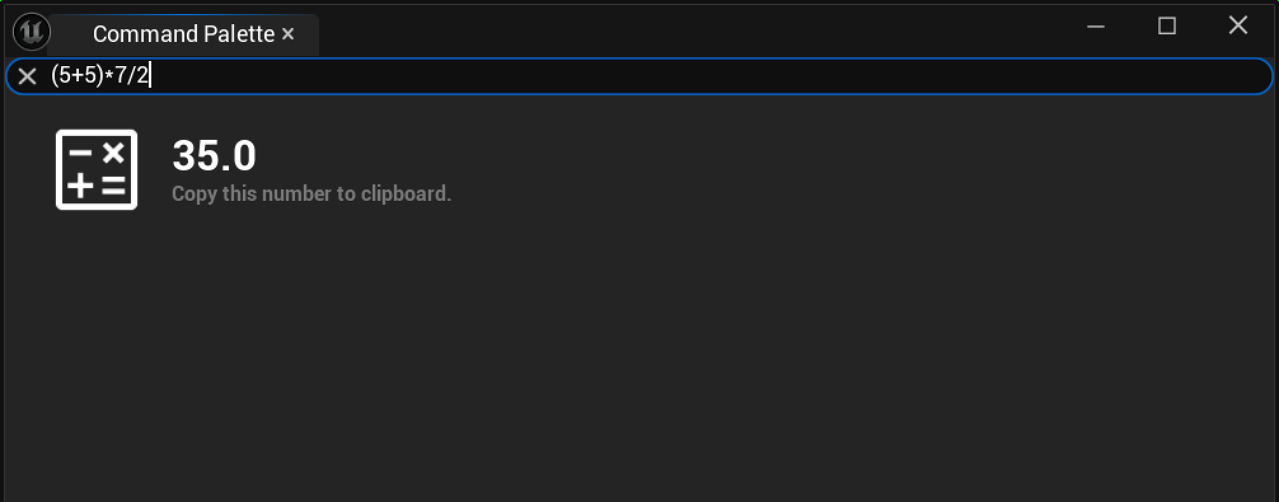
Calculator
Type in a math expression and get the result instantly without leaving the Unreal Editor. No need to alt-tab to a calculator mid-session.
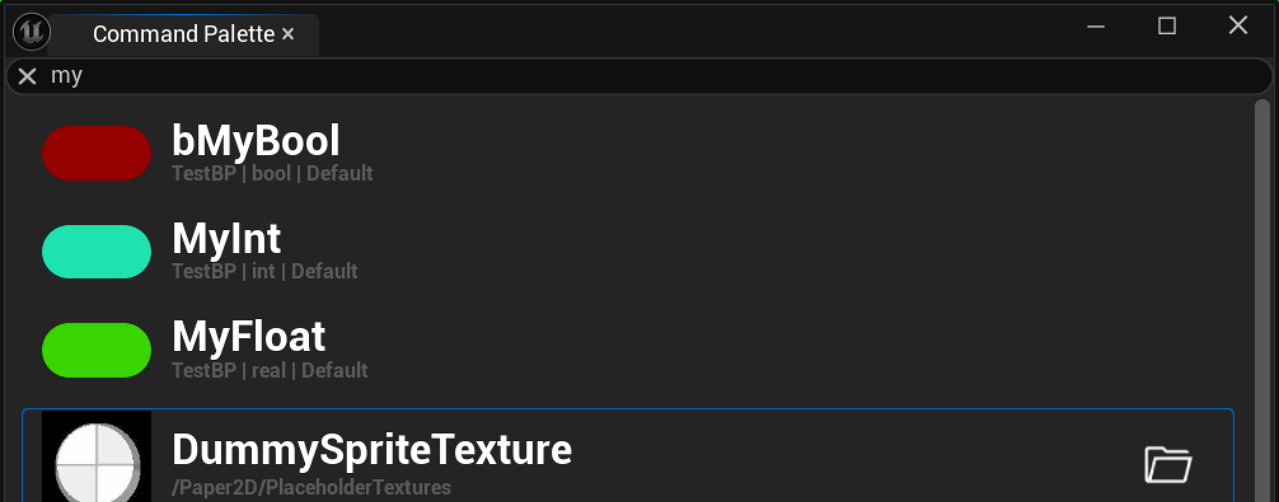
Variable Search
Search Blueprint variables by name and jump directly to them in the Blueprint editor
Technical Implementation
The plugin is designed for easy extensibility. It uses the Provider pattern, where the command palette window holds a list of providers:
TArray<USearchProvider*> SearchProviders;
USearchProvider is a base class that has a virtual HandleSearch function:
class COMMANDPALETTE_API USearchProvider : public UObject {
	GENERATED_BODY()
public:
	virtual SearchProviderResult HandleSearch(const SearchProviderContext& context) {
		checkNoEntry(); // *Unreal's way of forcing derived classes to implement this function
		return {};
	}
}
*Due to Unreal’s reflection system, pure virtual functions (= 0) are not allowed. checkNoEntry() is used instead. It triggers a runtime error if a derived class fails to implement the function.
Derived classes must implement HandleSearch, which fires each time the user types in the command palette. The context contains the search query and other relevant information, and the function returns a list of search results that are then displayed in the command palette window.
It’s up to the provider to decide how to handle the search query and what type of results to return. This makes it easy to add new functionality to the command palette by simply creating a new provider and implementing the search logic.
Then it’s just a matter of adding the derived provider class to the list of providers in the command palette window:
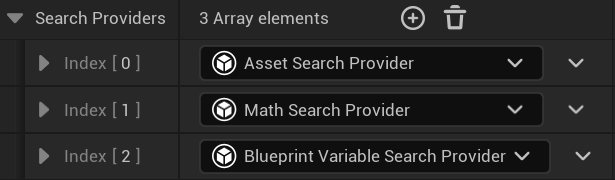
Having spent this extra time on making the plugin easily extensible, I was able to, within a week, add new features to the command palette by simply creating new providers and implementing the search logic in the HandleSearch function:
- Asset Search: Uses the
IAssetRegistryto search for assets. - Calculator: Uses the
FBasicMathExpressionEvaluatorto evaluate math expressions. - Variable Search: Uses the Unreal reflection system to search for Blueprint variables.
This also allows other developers to easily extend the command palette with their own custom providers without having to modify the existing codebase.
Conclusion
For a first week with C++ in Unreal Engine, I’m happy with how the architecture turned out. The Provider pattern kept things clean and made adding features genuinely easy. Possible extensions include editor command execution, recent files, and settings search. The list goes on. Each would just be a new provider.
Command Palette is free and open-source. Feel free to try it out, contribute, or build your own providers on top of it.